← All guides
Invoice templates
Choose the look of your PDFs — per account or per invoice — without changing any data.
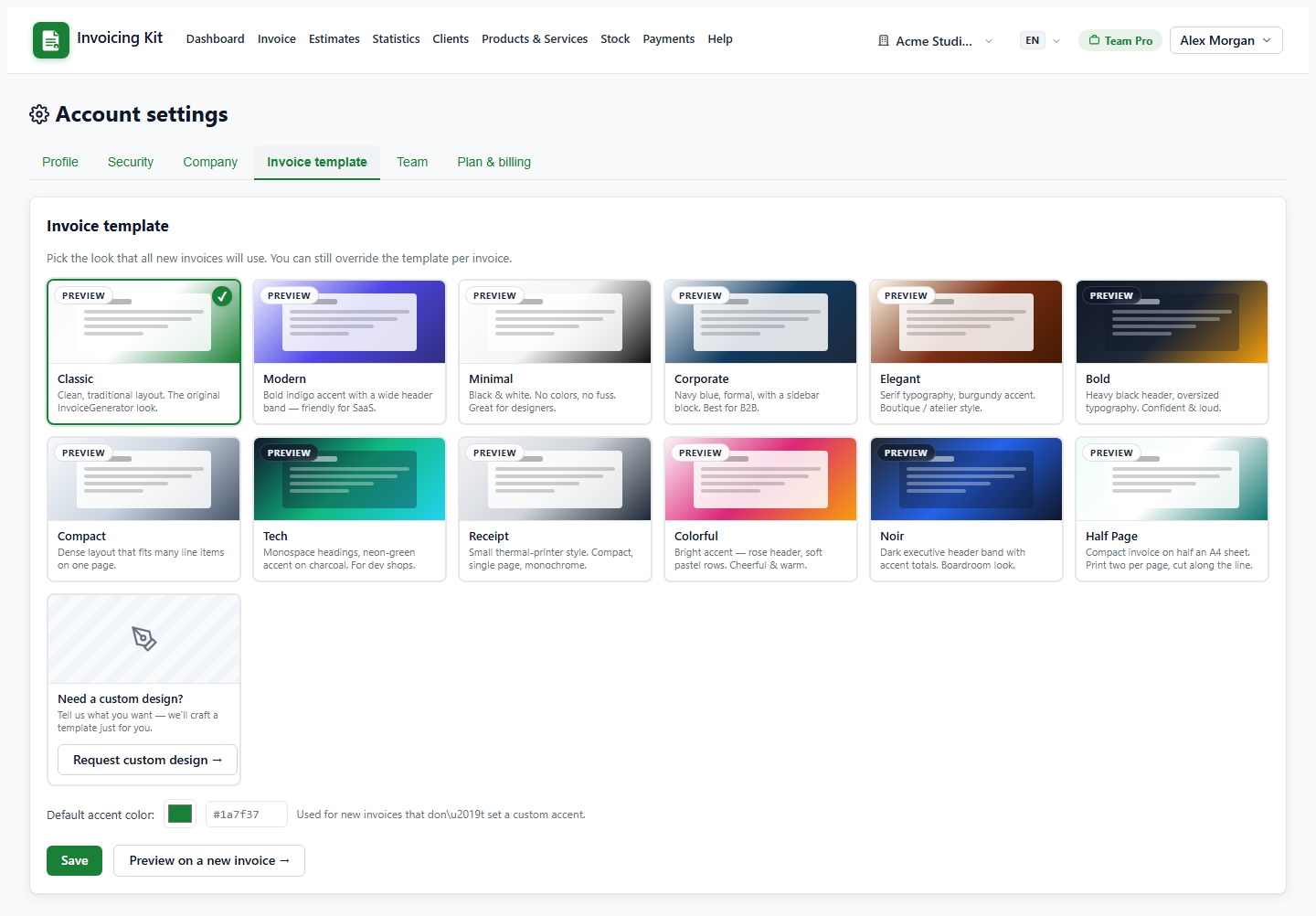
Pick a default template
Open Settings → Invoice template. Each card is a live preview with a short description. The selected card becomes the default for new invoices of the account. You can also set a default accent colour used by templates that support it.
The template is resolved in this order:
- the template set on the invoice itself (editor → Invoice template),
- the account default from Settings,
- the built-in Classic template.
Custom designs created by the administrator for your account appear in the same gallery with a Custom badge.
What a template changes (and what it does not)
Templates affect the PDF layout only: header style, colours, typography, table style and totals placement. Amounts, taxes, statuses and snapshots are identical in every template, so switching a template never changes the invoice data.
- Per-invoice override — pick a template in the invoice editor to use it for that document only.
- Accent colour — a per-invoice accent overrides the account accent for that PDF.
- Preview vs download — both use the same resolved template, so what you preview is what your client downloads.