Inventory: receiving goods (NIR)
Record supplier deliveries, increase stock and keep every movement traceable.
What a stock receipt does
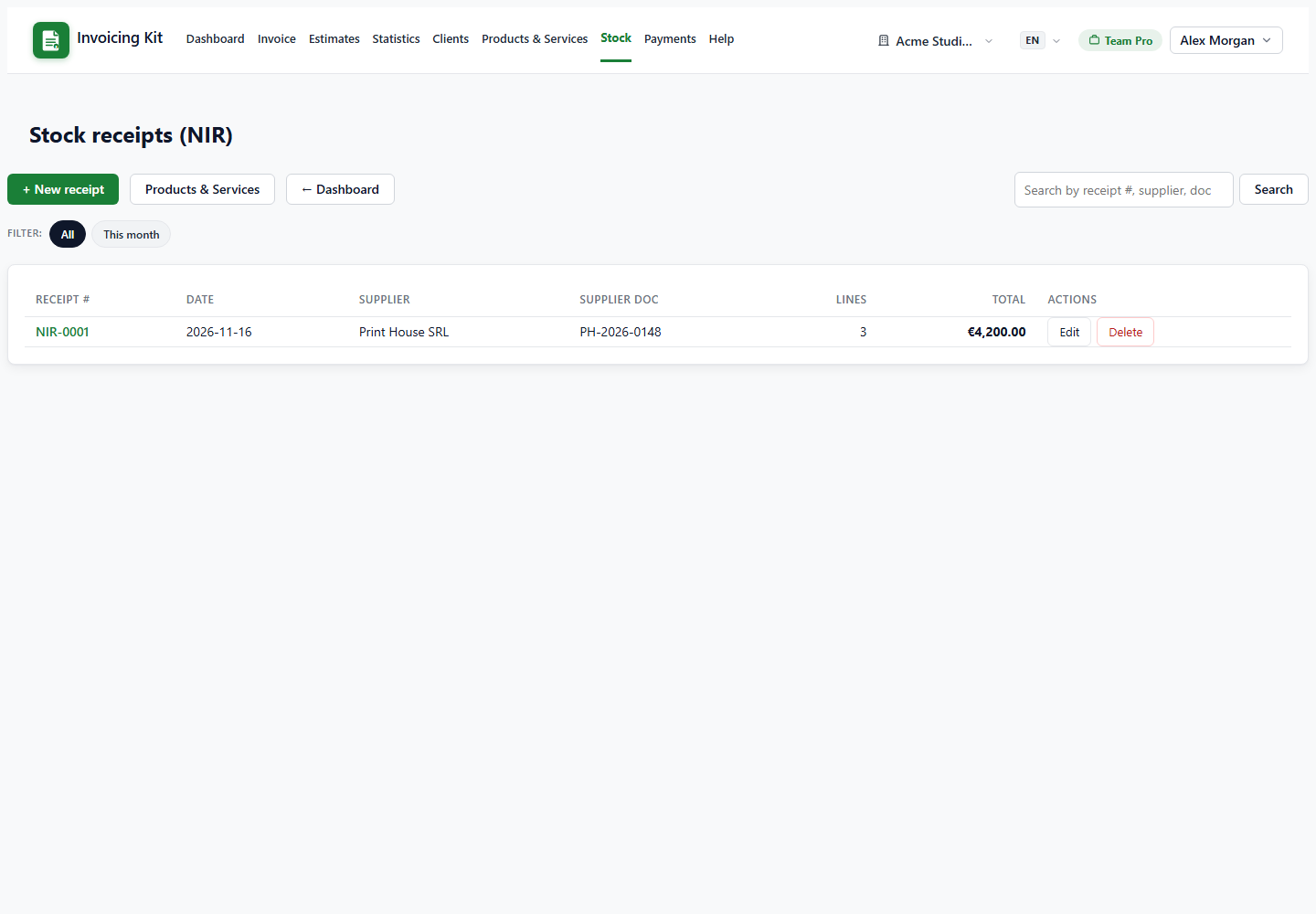
A stock receipt (NIR) documents goods entering your warehouse from a supplier. It contains the supplier name, the supplier document number (their invoice), the receipt date, currency and any notes.
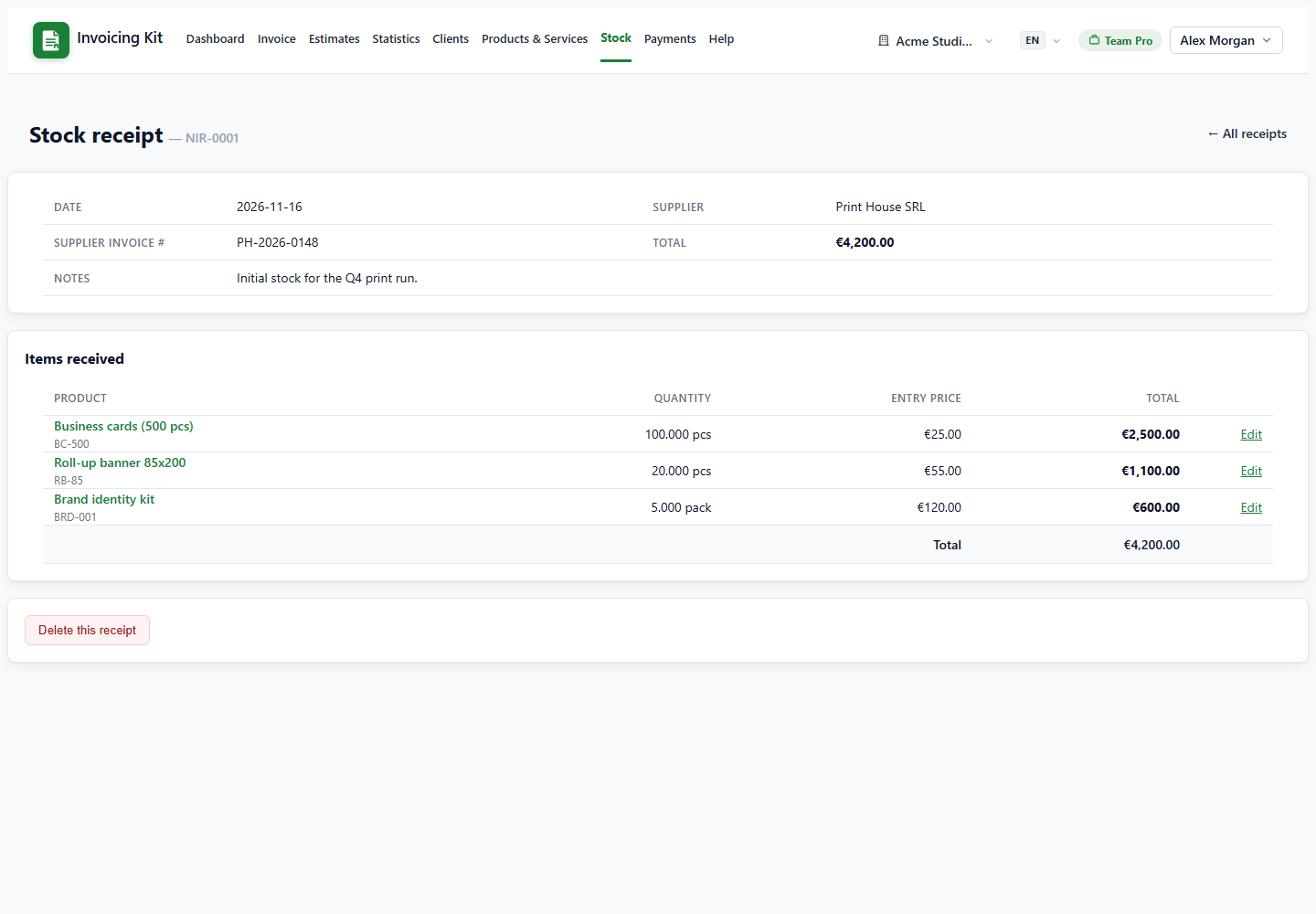
Saving a receipt increases the current stock of every tracked product on its lines by the received quantity, and records the entry price used for valuation. The total value of the receipt is the sum of quantity × entry price.
Only products can be received. Services are rejected — they do not exist in stock. If you need a service on a receipt, create it as a product first.
Create a receipt
Go to Stock → + New receipt. Add one line per product:
- Product name — start typing; the list only contains stocked products.
- Quantity — how many units arrived.
- Entry price — the unit cost from the supplier.
- Sale price (optional) — only used when the receipt auto-creates a brand-new product.
New products can be created on the fly by typing a name that does not exist yet. The receipt list shows the number, supplier, date, total and item count; open a receipt to see its lines, edit quantities inline, or delete it.
How stock moves
Stock changes only through documents, never through the product form:
- Stock receipt — adds the received quantities.
- Invoice saved — subtracts tracked products on its lines.
- Invoice edited — restores the previous line quantities, then subtracts the new ones.
- Invoice deleted — restores the quantities it had subtracted.
- Stock receipt deleted — reverses its own additions.
- Product delete — refused while the product appears on any invoice.
Products below their minimum stock are highlighted in the catalog and in the autocomplete, so you know when to order more.